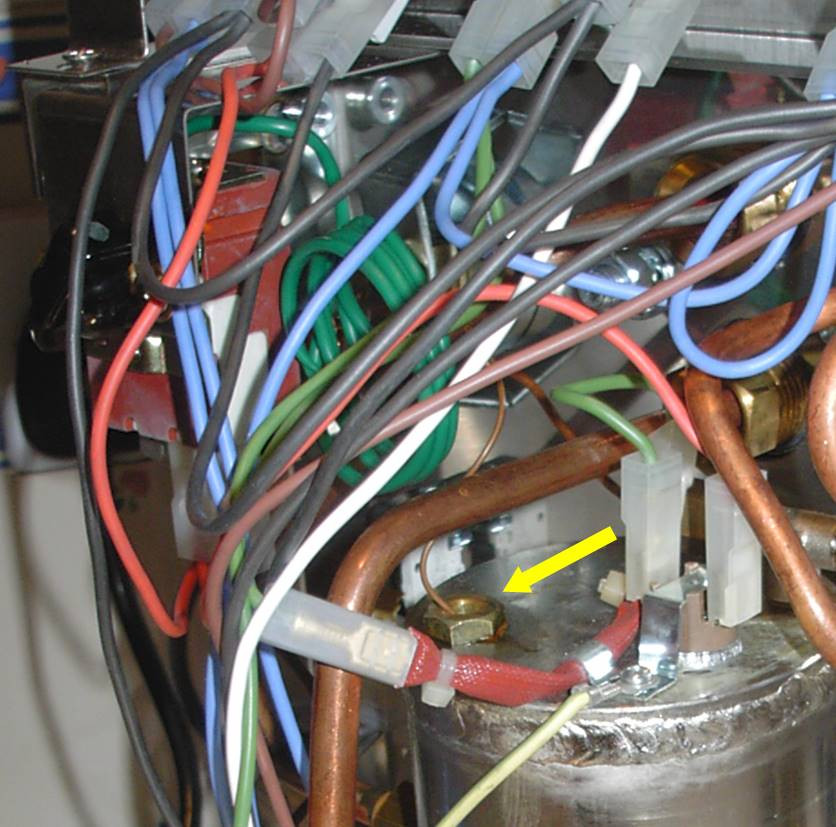
There has been a new development in images, the person who runs the forum has offered us more space for images as we are one of the largest financial contributors to the freeflarum project he runs. This has helped him keep things running for all freelarum forums. The amount still isn’t large so the amount that I have set for the upload limit for a single photo is 100Kb. I have done this so the space given will last us many years. The huge advantage for us is that images can no longer be broken across the forum by UK government laws, or the vagaries of image hosting services that can be here today, but gone tomorrow. You can of course still use the method above in the first post (especially if you want for some reason a high res photo for classifieds), but this is better
Now you may think that this is no where near enough if you have ever tried to compress an 8mb photo down to 100K, but advanced compression techniques can do a surprising job.
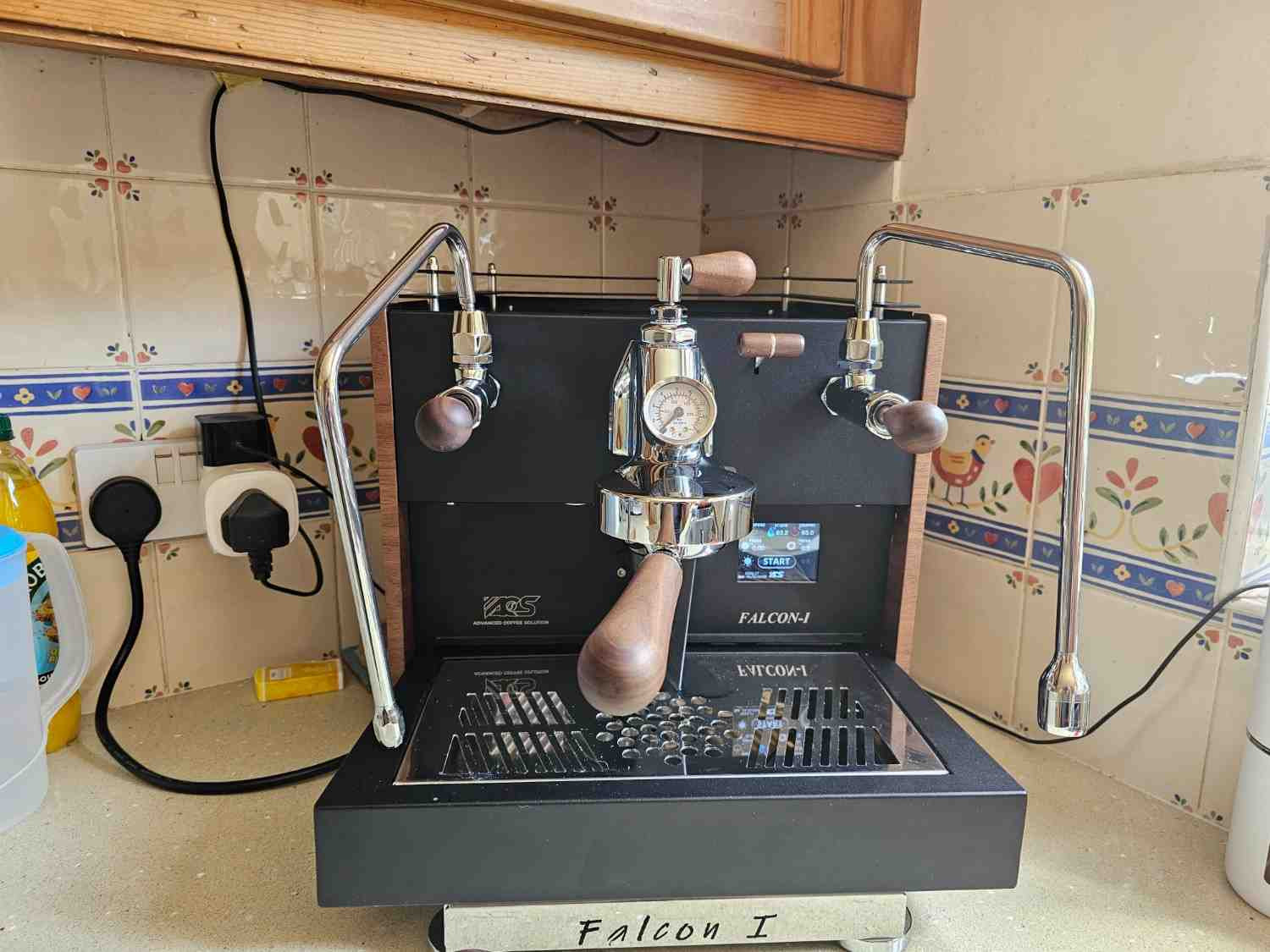
This photo of the Falcon I is less that 100Kb, but I think you will agree it is enough for us to help forum members with problems and for classified adverts.
You can simply drag and drop your image file into a post. The image will also be saved into your “my media” area, accessible using the image button to the right or the preview “eye”
To create a small enough image you can use the online Pi7 image compressor and just tell it to make a target file size of 99 or 100Kb. Download it and paste it here. I think you can do multiple files at once. You can also download a “desktop” app, for windows or mac, but what it’s really doing is using the image service in the background.
P.S. If you want to see a larger image, just click